Article Introduction
This comprehensive article introduces the best AI memory tools for 2026, covering professional testing and user experience analysis to recommend the most suitable intelligent memory solutions. We provide detailed comparisons of Mem0, Zep, Mem.ai, SuperMemory, Memories.ai, Letta, Mirix, and Evermind's core functions, from memory layer implementation to knowledge management. We deeply analyze each tool's advantages and application scenarios, helping you choose the best AI memory tool based on your development needs and use cases. Whether you are a developer building AI applications or a business implementing intelligent systems, you can find ideal solutions to enhance AI capabilities in this article.
What Are AI Memory Tools
AI memory tools are software and services that provide long-term memory capabilities for AI agents and applications, enabling AI systems to remember user preferences, historical interactions, and contextual information, thereby providing personalized experiences and context retention beyond single-session limitations. The core value of these tools lies in enhancing the intelligence level of AI applications, allowing AI assistants to learn user preferences, remember past interactions, and utilize structured data for better, smarter responses and automated workflows.
The development of AI memory tools can be traced back to the early 2020s. With the popularity of large language models (LLMs), developers discovered that traditional AI systems lacked long-term memory capabilities, requiring complete context to be provided for each conversation, resulting in high token costs and poor user experience. In 2022, Mem0 launched a self-improving memory layer providing universal memory capabilities for LLM applications; Zep developed temporal knowledge graphs enabling dynamic states and continuously evolving contexts; LangMem and LangGraph provided context management tools for modular agent systems. Today, AI memory tools have become critical infrastructure for building intelligent AI applications, widely used in customer support, healthcare, education, sales CRM, and other fields.
How AI Memory Tools Work
Modern AI memory tools are primarily based on four core technologies: vector databases and embeddings, knowledge graphs, summarization compression, and retrieval-augmented generation (RAG). Vector databases and embeddings store information as numerical representations (vectors), enabling semantic search to recall related concepts by understanding semantic similarity rather than just keyword matching. Knowledge graphs map relationships between information, supporting complex reasoning and context understanding by representing entities, attributes, and relationships to build structured knowledge networks.
Summarization compression technology compresses long historical records into concise summaries to fit within LLMs' context window limits while preserving key information. Retrieval-augmented generation (RAG) retrieves relevant information from knowledge bases before generating responses, combining generative capabilities with retrieval capabilities to provide more accurate and relevant answers. These technologies work together to form the technical foundation of AI memory tools, enabling AI systems to intelligently store, retrieve, and utilize historical information for long-term memory and personalized experiences.
Best AI Memory Tools 2026
Below are the most recommended AI memory tools for 2026, covering developer platforms, personal knowledge management, and memory assistance across multiple categories, helping you choose the most suitable AI memory solution based on your needs.
1. Mem0: Self-Improving Memory Layer
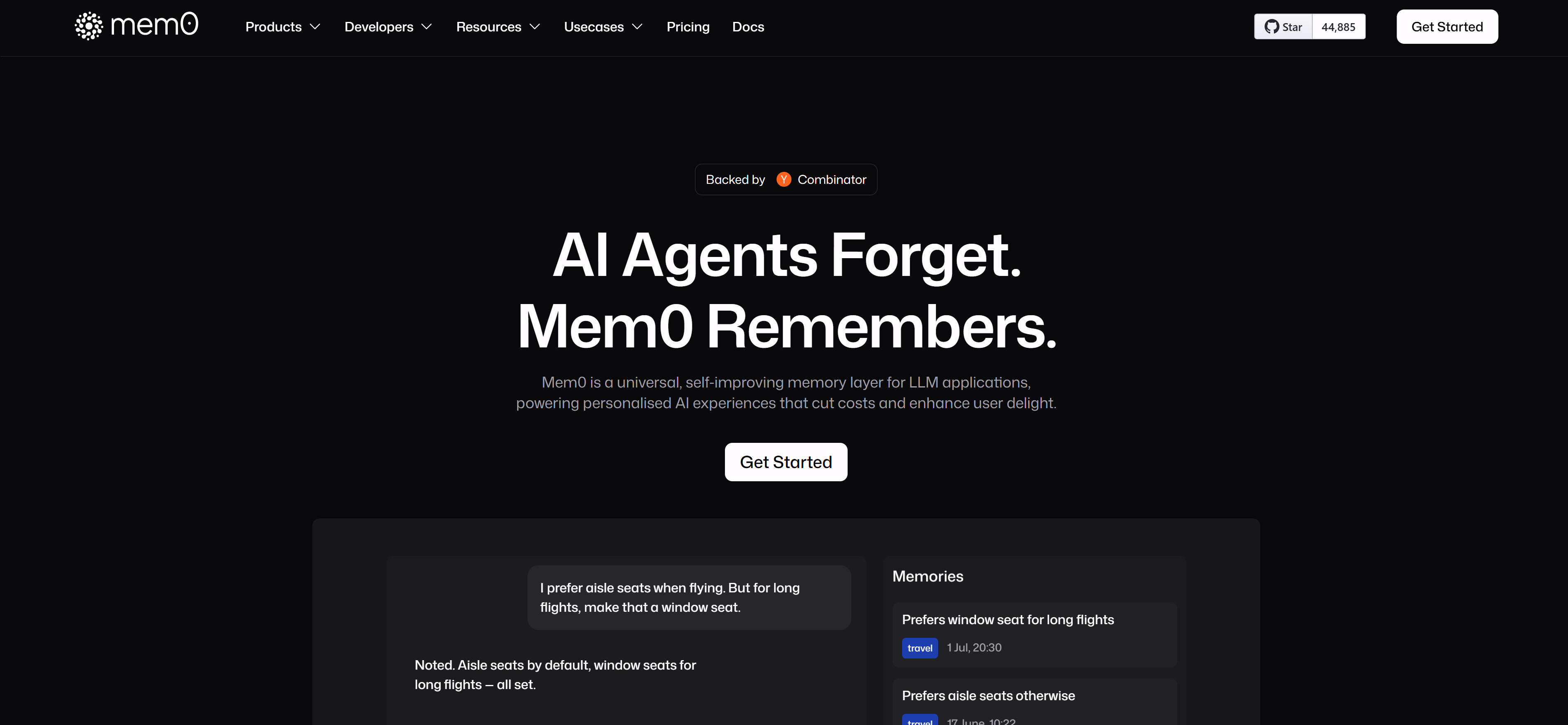
Mem0 is a universal, self-improving memory layer for LLM applications, providing personalized experiences while reducing costs and improving user satisfaction. Mem0's core advantage lies in its intelligent memory compression engine, which compresses chat history into highly optimized memory representations, minimizing token usage and latency while preserving context fidelity. Mem0 supports multi-framework compatibility and seamlessly integrates with OpenAI, LangGraph, CrewAI, and other platforms, providing Python and JavaScript SDKs with zero-friction setup—add memory functionality to AI applications with just one line of installation.
Mem0 also provides built-in observability and tracking capabilities to monitor each memory's TTL, size, and access patterns for debugging, optimization, and auditing. Mem0 is particularly suitable for developers needing to add long-term memory and personalization capabilities to AI applications, whether in customer support, healthcare, or education scenarios, providing powerful memory support.
2. Zep: Temporal Knowledge Graph
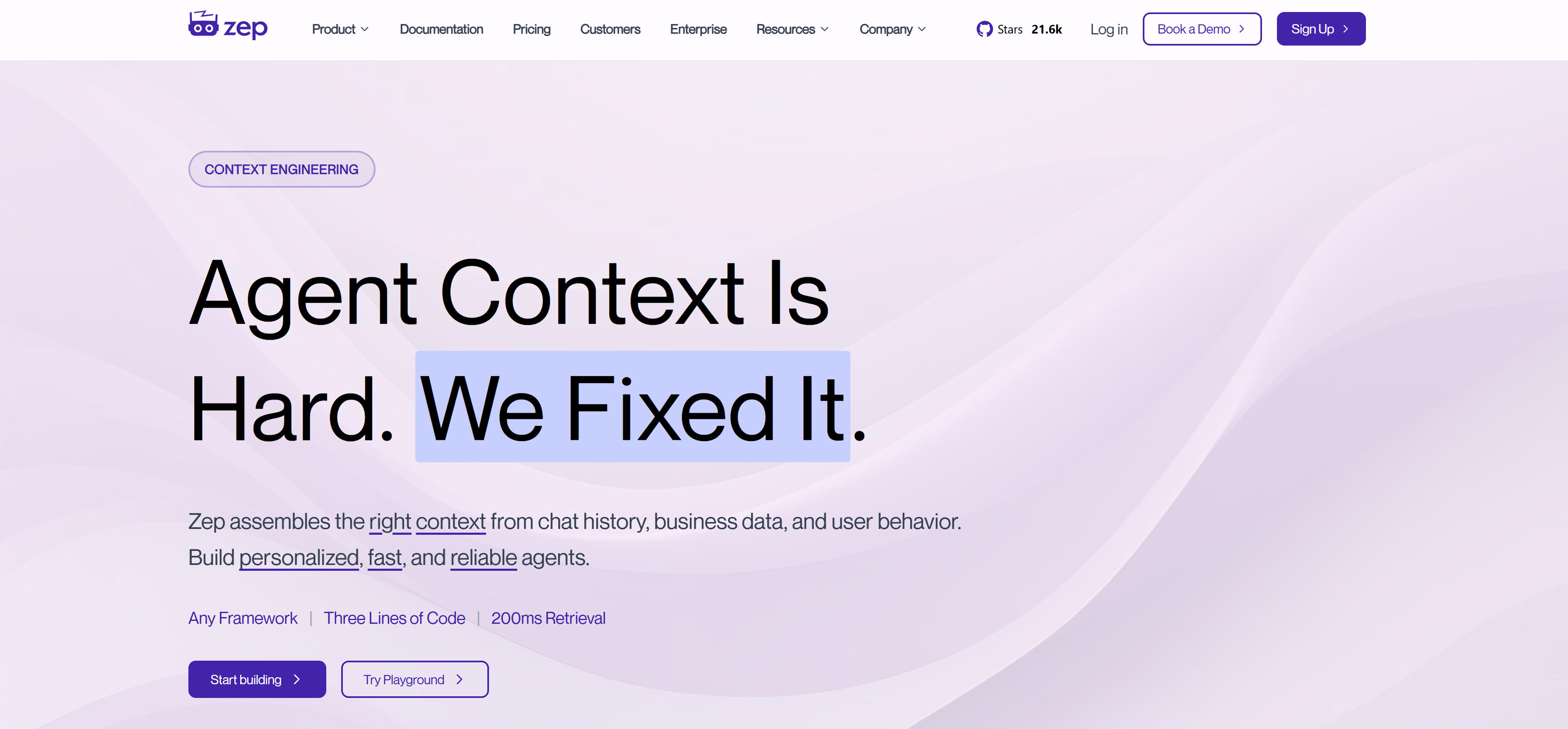
Zep is a temporal knowledge graph platform that enables AI systems to understand and reason about time-based relationships, providing dynamic state management and continuously evolving contexts. Zep's core innovation is its ability to capture and analyze temporal patterns in data, enabling AI applications to understand how information changes over time and make predictions based on historical trends. The platform supports complex temporal queries, enabling AI systems to reason about sequences of events, time-based dependencies, and evolving contexts.
Zep is particularly valuable for applications requiring temporal reasoning, such as financial analysis, healthcare monitoring, and predictive maintenance. The platform's temporal knowledge graph can model complex relationships between events, entities, and time periods, providing AI systems with a deeper understanding of context and enabling more accurate predictions and recommendations.
3. Mem.ai: Team Knowledge Management
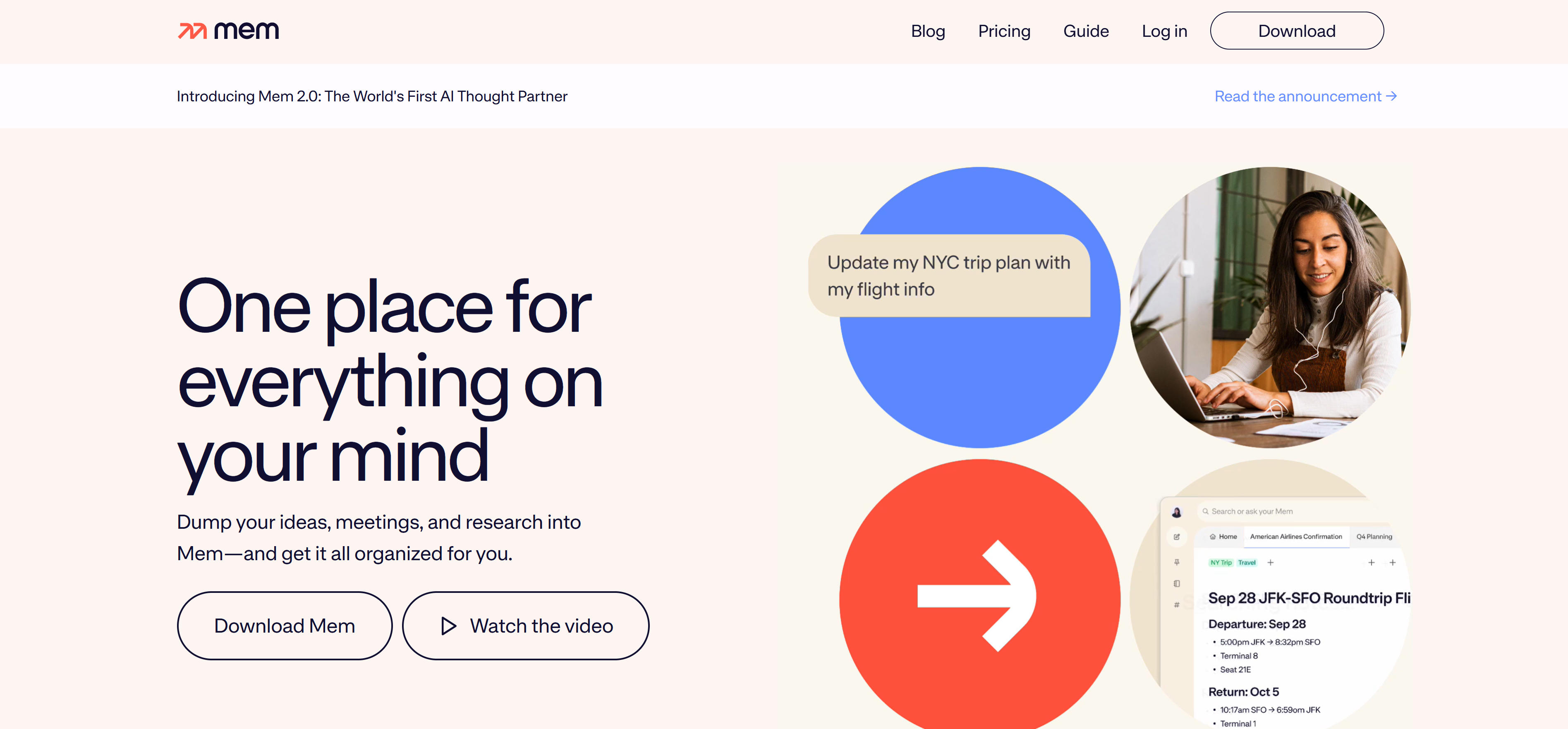
Mem.ai is an AI-powered knowledge management platform designed for teams, enabling collaborative intelligence and continuous learning across organizations. The platform combines personal knowledge management with team collaboration features, allowing users to capture, organize, and share insights across the organization. Mem.ai's AI capabilities enable automatic categorization, intelligent search, and contextual recommendations, helping teams build collective intelligence and institutional knowledge.
The platform is particularly valuable for knowledge-intensive organizations such as consulting firms, research institutions, and technology companies. Mem.ai's collaborative features enable seamless knowledge sharing across teams, while its AI capabilities ensure that valuable insights are captured, organized, and made accessible when needed. This creates a living knowledge base that grows and evolves with the organization.
4. SuperMemory: Universal Memory API
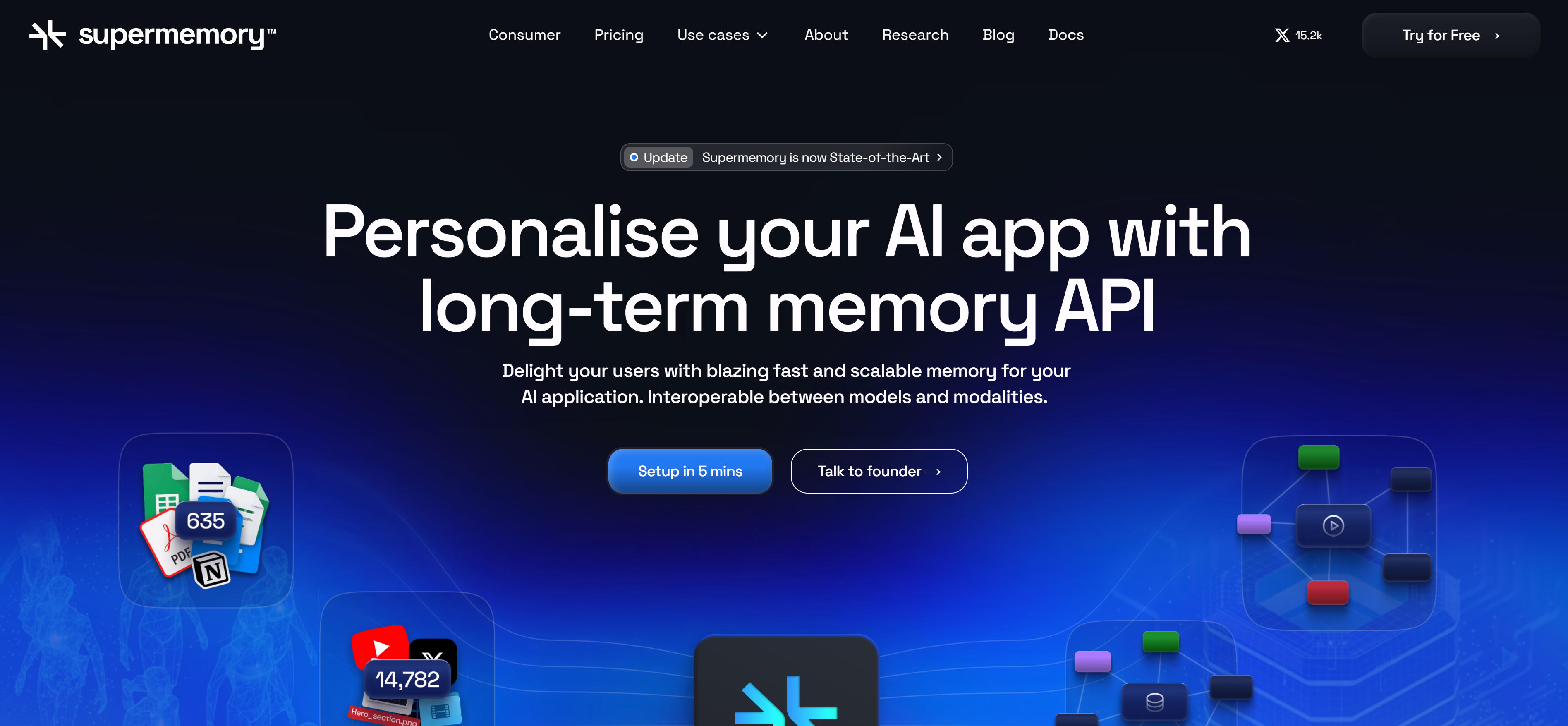
SuperMemory is a universal memory API that provides standardized memory capabilities across different AI platforms and frameworks. The platform abstracts memory management complexities, providing developers with a unified interface to implement memory features regardless of the underlying AI model or framework. SuperMemory's API-first approach enables seamless integration with existing applications, supporting multiple programming languages and deployment environments.
The platform is ideal for developers building multi-platform AI applications or organizations standardizing memory capabilities across different projects. SuperMemory's universal API reduces development complexity and ensures consistent memory behavior across different environments. This makes it particularly valuable for large-scale AI deployments where standardization and reliability are critical.
5. Memories.ai: Video Analysis Memory
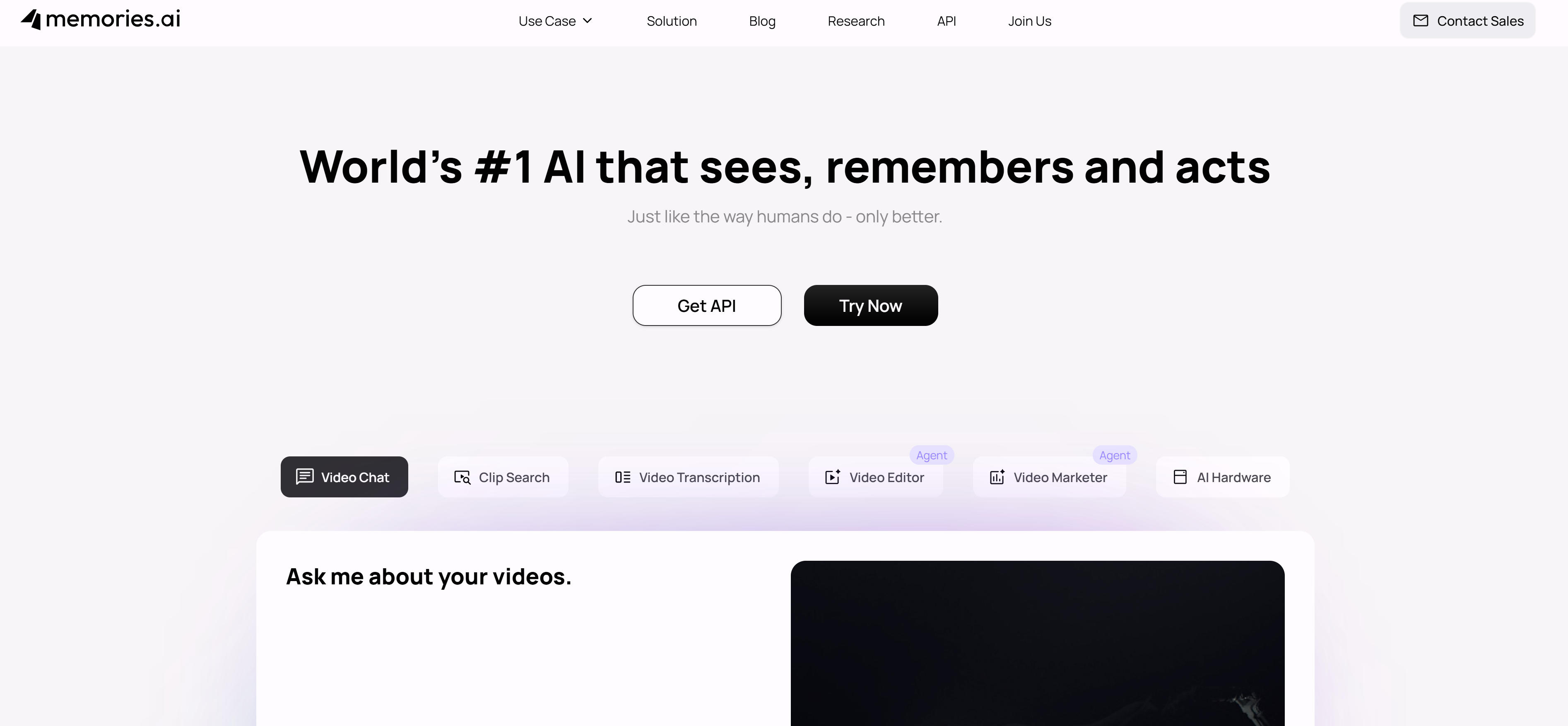
Memories.ai specializes in memory systems for video content and multimedia analysis, enabling AI systems to understand and remember visual and audio information over time. The platform combines computer vision, audio processing, and temporal analysis to create comprehensive memory representations of multimedia content. Memories.ai can analyze video streams, extract key information, and maintain context across long-duration media, enabling AI applications to provide more intelligent responses based on visual and auditory history.
The platform is particularly valuable for applications involving video analysis, surveillance systems, content moderation, and multimedia-rich interactions. Memories.ai's ability to process and remember complex multimedia information makes it ideal for scenarios where visual and auditory context is crucial for accurate AI responses and recommendations.
6. Letta: Open-Source Memory Server
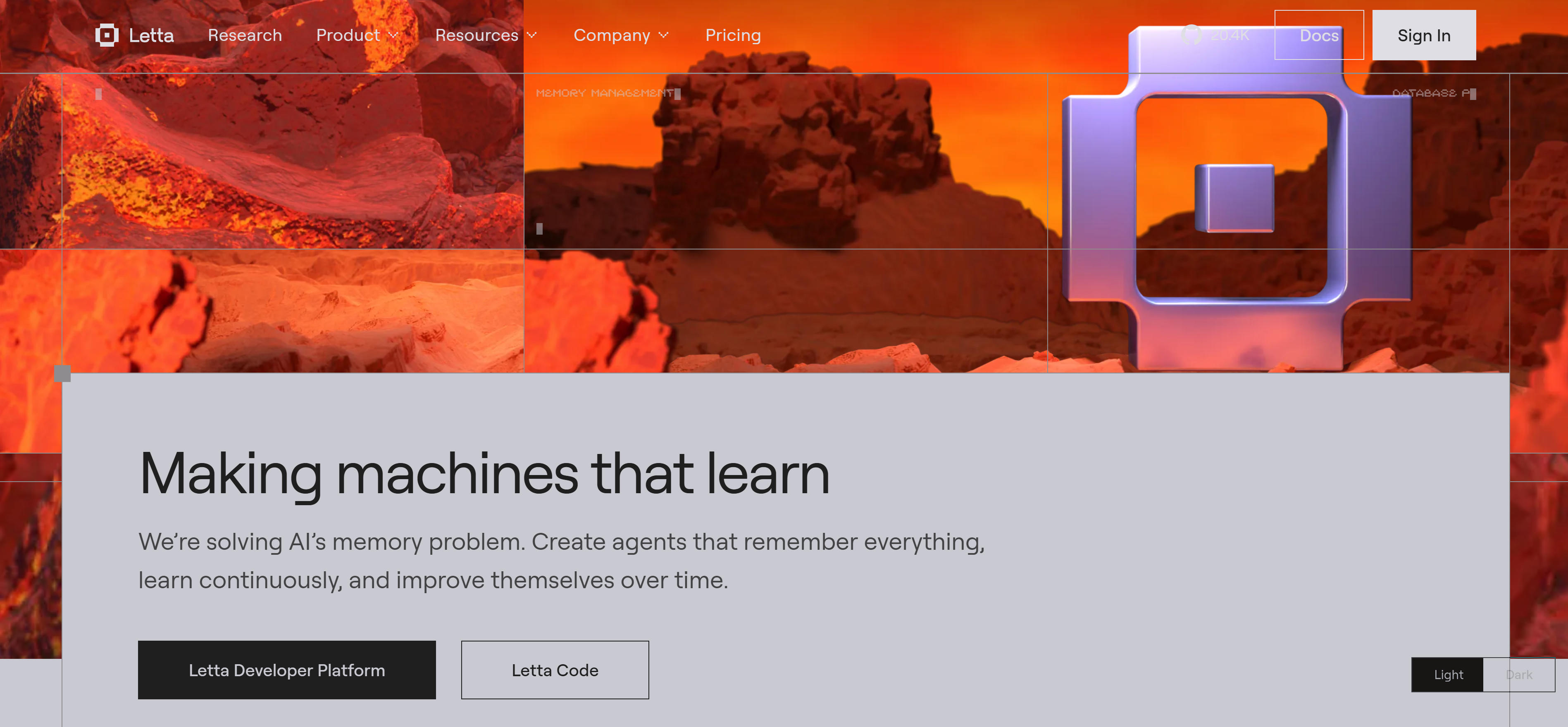
Letta is an open-source memory server that provides customizable memory management for AI agents and applications. The platform offers flexible memory architectures that can be tailored to specific use cases, supporting both structured and unstructured memory storage. Letta's open-source nature enables developers to customize memory behaviors, implement domain-specific memory patterns, and integrate with existing agent frameworks.
The platform is particularly valuable for researchers and developers who need fine-grained control over memory systems or want to implement novel memory architectures. Letta's extensible design allows for experimentation with different memory strategies, making it ideal for cutting-edge AI research and custom memory implementations.
7. Mirix: Advanced Memory System
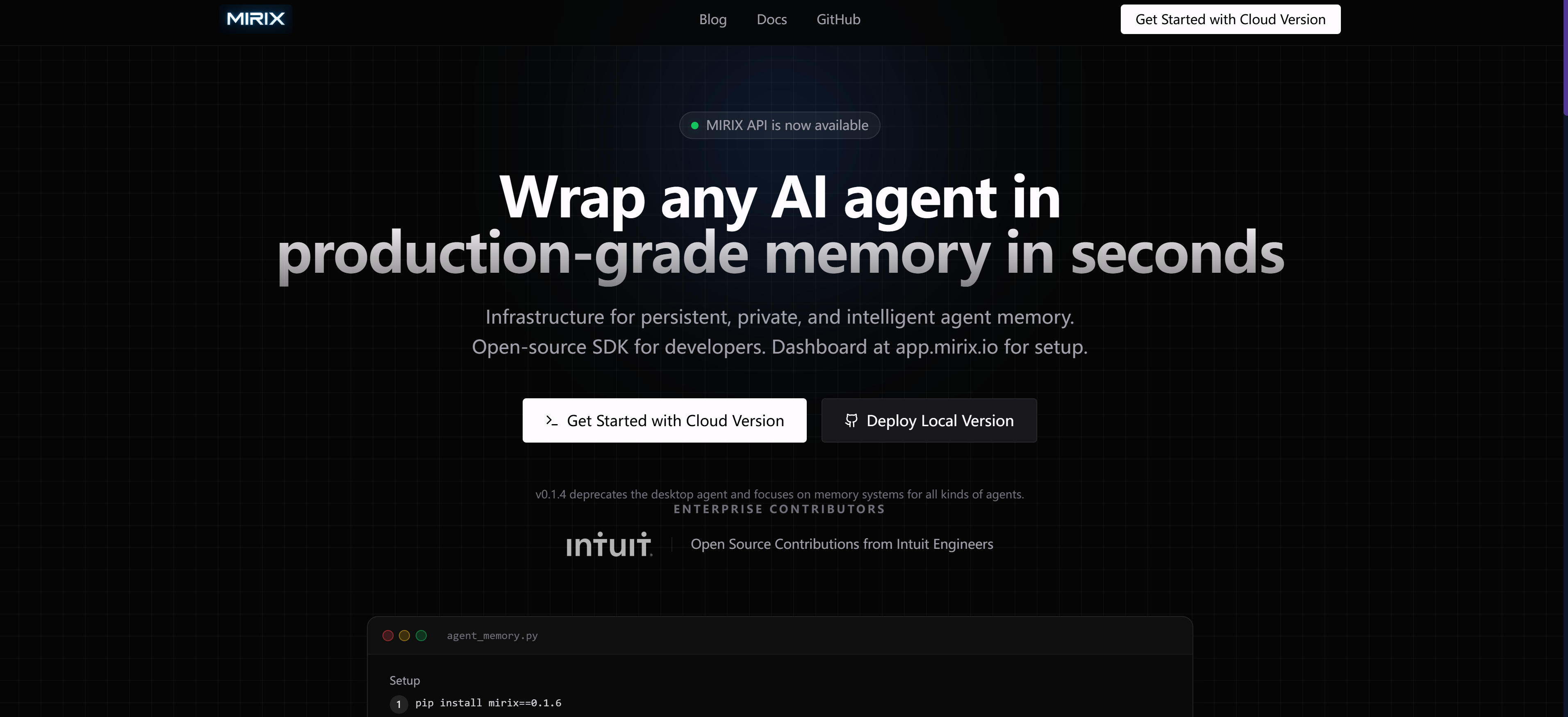
Mirix is an advanced memory system that combines cognitive computing with persistent memory capabilities, enabling AI systems to develop and maintain complex knowledge structures over time. The platform implements sophisticated memory consolidation algorithms that mimic human learning processes, allowing AI systems to build upon existing knowledge and develop deeper understanding of complex domains. Mirix's cognitive approach enables more nuanced memory retrieval and application, going beyond simple storage and recall.
The platform is particularly valuable for applications requiring deep domain expertise, such as medical diagnosis systems, legal analysis platforms, and scientific research assistants. Mirix's advanced memory capabilities enable AI systems to maintain context across complex, multi-step reasoning processes and build sophisticated knowledge representations that improve over time.
8. Evermind: Intelligent Memory Assistant
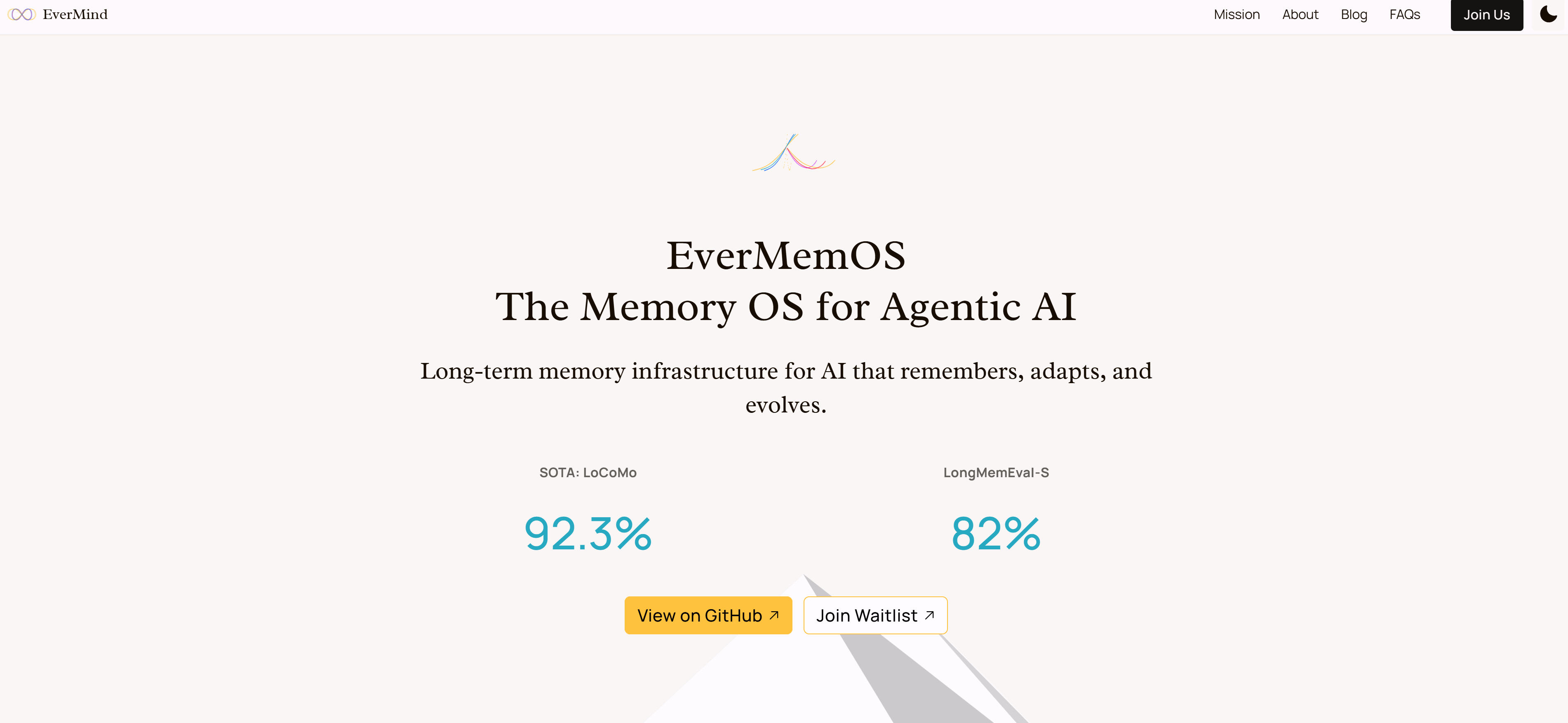
Evermind is an intelligent memory assistant that enhances human cognitive capabilities through AI-powered memory augmentation. The platform combines personal knowledge management with AI-driven insights to help users capture, organize, and retrieve information more effectively. Evermind's memory enhancement features include smart categorization, contextual reminders, and predictive information retrieval, helping users build better mental models and retain complex information.
The platform is particularly valuable for knowledge workers, students, and professionals who need to manage large amounts of information and maintain high cognitive performance. Evermind's AI capabilities provide personalized memory support, adapting to individual learning patterns and information processing preferences to maximize knowledge retention and recall.
AI Memory Tools Comparison
Below is a detailed comparison of mainstream AI memory tools to help you quickly understand each tool's features, application scenarios, and suitability:
| Tool Name | Core Features | Main Use Cases | Target Users |
|---|---|---|---|
| Mem0 | Self-improving memory layer, compression engine, multi-framework integration | LLM applications, customer support, personalization | Developers, AI builders |
| Zep | Temporal knowledge graphs, dynamic contexts, time-based reasoning | Time-series analysis, predictive modeling, context evolution | Data scientists, analysts |
| Mem.ai | Team knowledge management, collaborative intelligence, knowledge sharing | Team collaboration, knowledge management, organizational learning | Teams, organizations |
| SuperMemory | Universal memory API, cross-platform integration, standardized interface | Multi-platform deployments, standardized memory, enterprise integration | Enterprise developers |
| Memories.ai | Video analysis memory, multimedia processing, temporal analysis | Video analysis, surveillance, content moderation | Media companies, security |
| Letta | Open-source memory server, customizable architectures, agent orchestration | Custom memory implementations, AI research, specialized applications | Researchers, developers |
| Mirix | Cognitive computing, knowledge consolidation, deep learning | Medical diagnosis, legal analysis, scientific research | Domain experts, researchers |
| Evermind | Memory augmentation, cognitive enhancement, knowledge organization | Personal knowledge management, learning enhancement, cognitive support | Knowledge workers, students |
Use Cases: 5 Practical Applications
AI memory tools play important roles across multiple fields, from customer support to healthcare, from education to sales, with different tools suited to different scenarios. Here are five key practical applications that demonstrate how AI memory transforms business processes and user experiences.
Customer Support
Customer support is one of the most impactful applications of AI memory tools. Tools like Mem0 and Zep can maintain conversation history across multiple sessions, enabling AI support agents to remember customer preferences, past issues, and interaction patterns. This creates more personalized and efficient support experiences, reducing resolution times and improving customer satisfaction. Support teams using these tools report significant improvements in first-contact resolution rates and customer retention, as AI agents can provide contextually relevant solutions without requiring customers to repeat information. The memory capabilities also enable proactive support, where systems can anticipate customer needs based on historical patterns and provide preventive assistance.
Healthcare
Healthcare applications leverage AI memory tools to maintain comprehensive patient histories and treatment contexts. Platforms like Mirix and Zep can track patient information over time, correlate symptoms with treatments, and maintain continuity of care across different healthcare providers. This temporal understanding enables more accurate diagnoses and personalized treatment plans. Healthcare organizations implementing these tools see improved patient outcomes through better continuity of care and more informed clinical decision-making. The memory systems can also support medical research by maintaining detailed records of treatment effectiveness and patient responses over extended periods.
Education
Education benefits greatly from AI memory tools that can track student progress and adapt learning experiences. Tools like Evermind and Mem.ai maintain detailed learning histories, enabling personalized curriculum recommendations and adaptive learning paths. These systems can remember individual learning patterns, knowledge gaps, and preferred learning styles to provide more effective educational experiences. Educational institutions using memory-enhanced AI report improved student engagement and learning outcomes. The tools also support collaborative learning by maintaining group knowledge and facilitating peer learning through shared memory contexts.
Sales and CRM
Sales and CRM applications use AI memory tools to maintain comprehensive customer relationship histories. Platforms like Mem.ai and SuperMemory can track customer interactions across multiple touchpoints, remember preferences, and predict buying patterns. This enables more personalized sales approaches and better customer relationship management. Sales teams using these tools report higher conversion rates and improved customer lifetime value through more relevant and timely interactions. The memory capabilities also support sales forecasting and pipeline management by maintaining detailed records of sales cycles and customer behaviors.
Personal Assistant
Personal assistant applications benefit from AI memory tools that can maintain user preferences and context over time. Tools like Mem0 and Evermind remember user habits, preferences, and past interactions to provide more personalized and proactive assistance. This creates more natural and helpful AI companions that can anticipate user needs and provide contextually appropriate responses. Users of memory-enhanced personal assistants report higher satisfaction due to the continuity and personalization of their interactions. The memory capabilities also enable more complex task management and long-term goal tracking.
How to Choose AI Memory Tools
When choosing AI memory tools, consider multiple factors including memory requirements, deployment options, feature capabilities, integration needs, and security considerations to find the best fit for your AI applications.
1. Evaluate Memory Requirements
First, assess your memory requirements based on use case complexity and data volume. For simple chatbots, basic memory layers like Mem0 may suffice. For complex temporal reasoning, consider Zep's knowledge graphs. For multimedia processing, Memories.ai provides specialized capabilities. Evaluate data types, retention periods, and retrieval patterns to determine the appropriate memory architecture.
2. Consider Deployment Options
Evaluate deployment flexibility based on your infrastructure needs. Cloud-based solutions like Mem.ai offer easy scaling and maintenance. Self-hosted options like Letta provide full control but require technical expertise. Hybrid approaches combine the best of both worlds. Consider your team's technical capabilities, compliance requirements, and scalability needs when choosing deployment models.
3. Evaluate Feature Capabilities
Assess feature sets against your specific needs. For team collaboration, prioritize Mem.ai's sharing capabilities. For temporal analysis, choose Zep's knowledge graphs. For multimedia processing, select Memories.ai. Consider observability features, API completeness, and integration options. Ensure the tool supports your data types, query patterns, and performance requirements.
4. Consider Integration Needs
Check integration capabilities with your existing AI stack. Tools like Mem0 and SuperMemory offer extensive framework support. Consider API availability, SDK quality, and compatibility with your current AI models and platforms. Seamless integration reduces development overhead and ensures smooth deployment. Evaluate documentation quality and community support for easier implementation.
5. Evaluate Security and Compliance
Verify security measures and compliance standards. Ensure data encryption, access controls, and audit capabilities meet your requirements. For regulated industries, confirm HIPAA, GDPR, or industry-specific compliance. Evaluate data residency options and backup procedures. Consider vendor reliability, support response times, and long-term roadmap alignment with your business objectives.
Conclusion
AI memory tools are revolutionizing how AI applications interact with users and maintain context, providing unprecedented intelligent and personalized experiences. From self-improving memory layers like Mem0 to temporal knowledge graphs like Zep, from team knowledge management platforms like Mem.ai to specialized multimedia memory systems like Memories.ai, these tools cover the complete spectrum from basic memory retention to advanced cognitive computing.
For developers building AI applications that need long-term memory and personalization, AI memory tools provide powerful capabilities to enhance user experiences and application intelligence. For enterprises implementing intelligent systems requiring complex context management, professional memory platforms offer reliable, scalable solutions. Understand that AI memory tools should serve as collaborative infrastructure, not complete replacements for thoughtful AI design, handling data persistence and context management so developers can focus on creating meaningful AI interactions.